Cleanse Your Windows System of Unnecessary
Win11Debloat is a PowerShell script that allows removing pre-installed apps and disabling telemetry data on Windows 10 and 11 operating systems. It allows users to customize their systems and perform system debloat by removing unnecessary components.
Updates
- August 27, 2026: Stars 54,506 → 56,315, latest release 2026.08.24 (August 24, 2026).
- August 2, 2026: Stars 48,210 → 54,506, latest release 2026.07.11 (July 11, 2026).
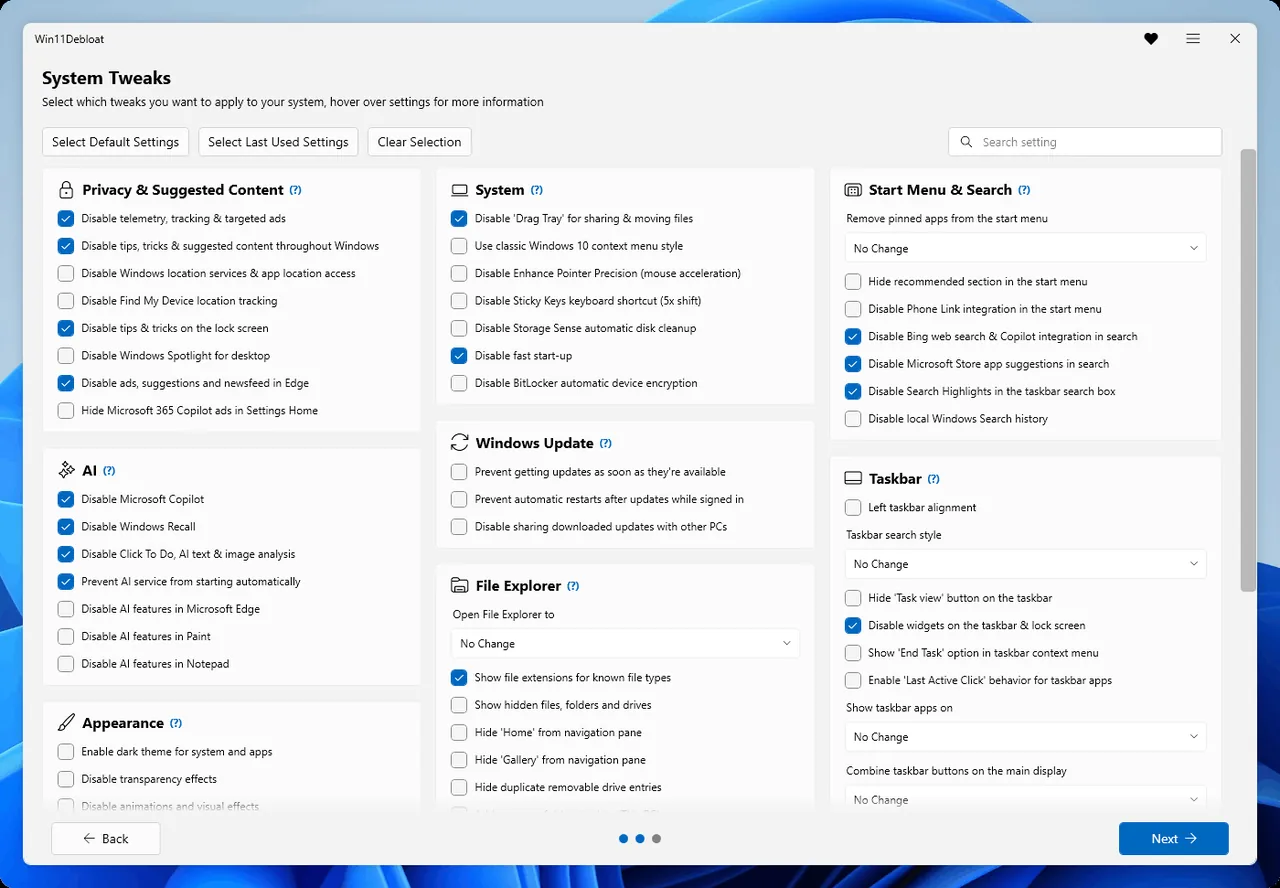
What you get
- Quickly removes unnecessary pre-installed applications.
- Disables telemetry and tracking data.
- Turns off AI-powered features and ads.
Installation
Invoke-WebRequest -Uri https://github.com/Raphire/Win11Debloat/archive/refs/heads/master.zip -OutFile Win11Debloat.zipExpand-Archive -Path .\Win11Debloat.zip -DestinationPath .\Win11DebloatRunning it
Set-Location .\Win11Debloat\Win11Debloat-master
.\Win11Debloat.ps1
If you don't write code
I want to uninstall unnecessary applications on my Windows 11 operating system, turn off telemetry data, and disable features such as AI-powered Copilot. How can I make my system more lightweight and privacy-focused using the Win11Debloat tool? Please explain step by step what I need to pay attention to to maintain system stability when using this tool and how I can customize it safely.
Related dictionary terms
Links
TreScout did not build this tool · we found it in GitHub trends and wrote it up. This page describes the repository as of 2026-06-16: The star count and our text belong to that day, the repository may have changed since. Check the repository link for the current state. This page was machine-translated from the Turkish original · the Turkish version prevails.