Naturalize AI texts
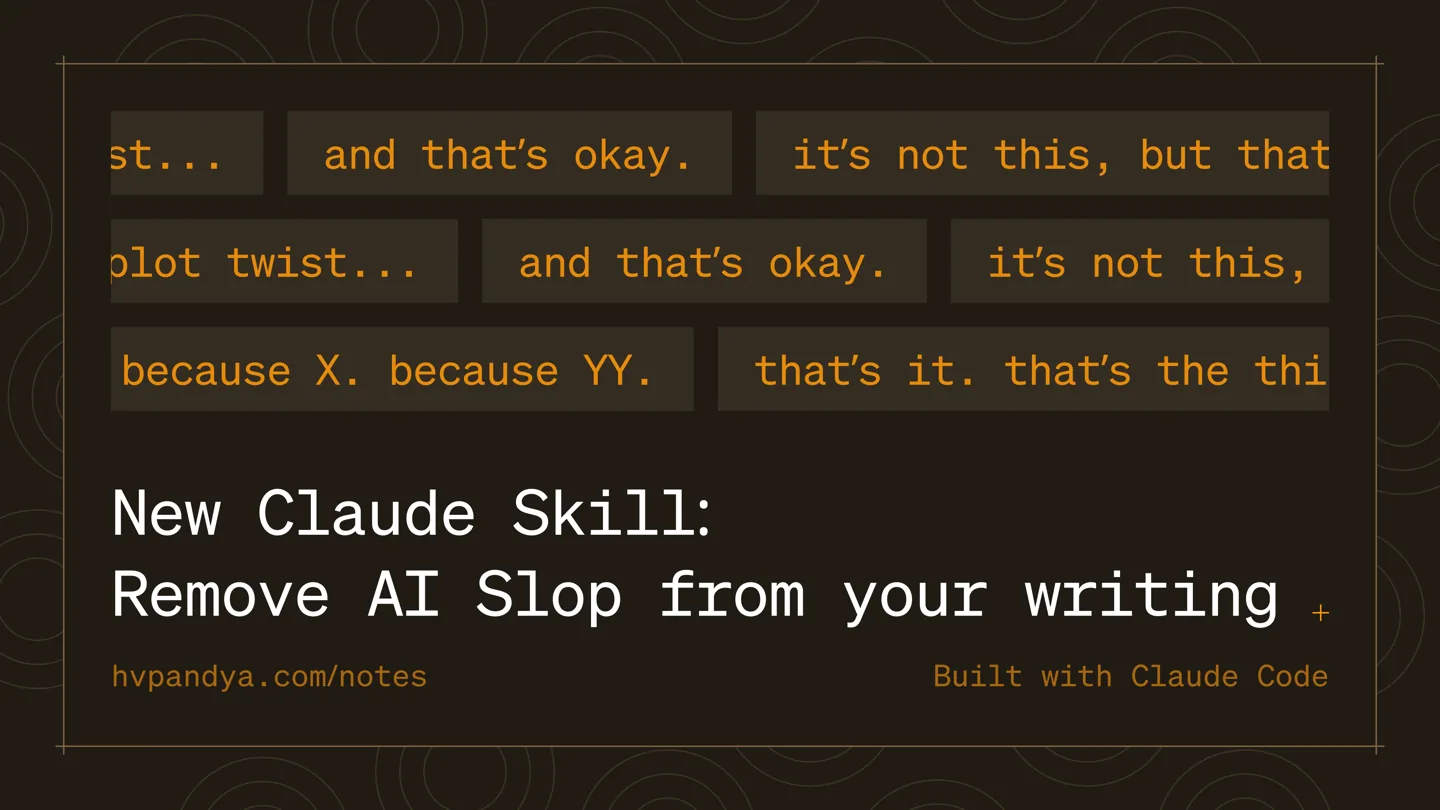
Texts produced with artificial intelligence often contain predictable expressions, rhythms and structures. Stop Slop is a skill file that teaches Claude or any LLM to catch and clear these patterns. In this way, your texts will have a much more natural and human tone.
Updates
- October 9, 2026: Stars 16,875 → 17,877.
- September 7, 2026: Stars 15,870 → 16,875.
- August 19, 2026: Stars 14,843 → 15,870.
- August 1, 2026: Stars 4,876 → 14,843.
What you get
- Texts are read more naturally, cliche expressions and repetitions are reduced.
- It can be taught to any LLM (not limited to just Claude).
- It reduces the feeling of being written by artificial intelligence in content production.
How to use?
- Correct this text according to Stop Slop rules, clear AI patterns.
How to install, how to use?
Download this repository (https://github.com/hardikpandya/stop-slop) and add the stop-slop skill as a skill to Claude Code; Then use this skill to clean up AI-specific clichés from the texts I write.
Repository: https://github.com/hardikpandya/stop-slop. Follow the official instructions in the README of this repository for setup and execution.
Before starting, check which OS we are on and if the necessary tools (e.g., Python, Node.js, Git, Docker) are installed. Install any missing ones step-by-step according to this system.
Create a new, empty folder to work in. Do not touch any files outside this folder and do not delete anything. Tell me what you are going to do in one sentence before running each command.
Tell me what I should see on the screen at the end of each step. If an error occurs, I will paste the error message to you exactly as it is, and we will fix it together.
Related dictionary terms
Links
TreScout did not build this tool · we found it in GitHub trends and wrote it up. This page describes the repository as of 2026-05-26: The star count and our text belong to that day, the repository may have changed since. Check the repository link for the current state. The introductory text was prepared with AI from the repository's own documentation, and this page was machine-translated from the Turkish original · the Turkish version prevails.